
Free iPhone app · now in beta

Less texting. More hanging out.

UpTo gets your friends together. Three ways, one tap each:
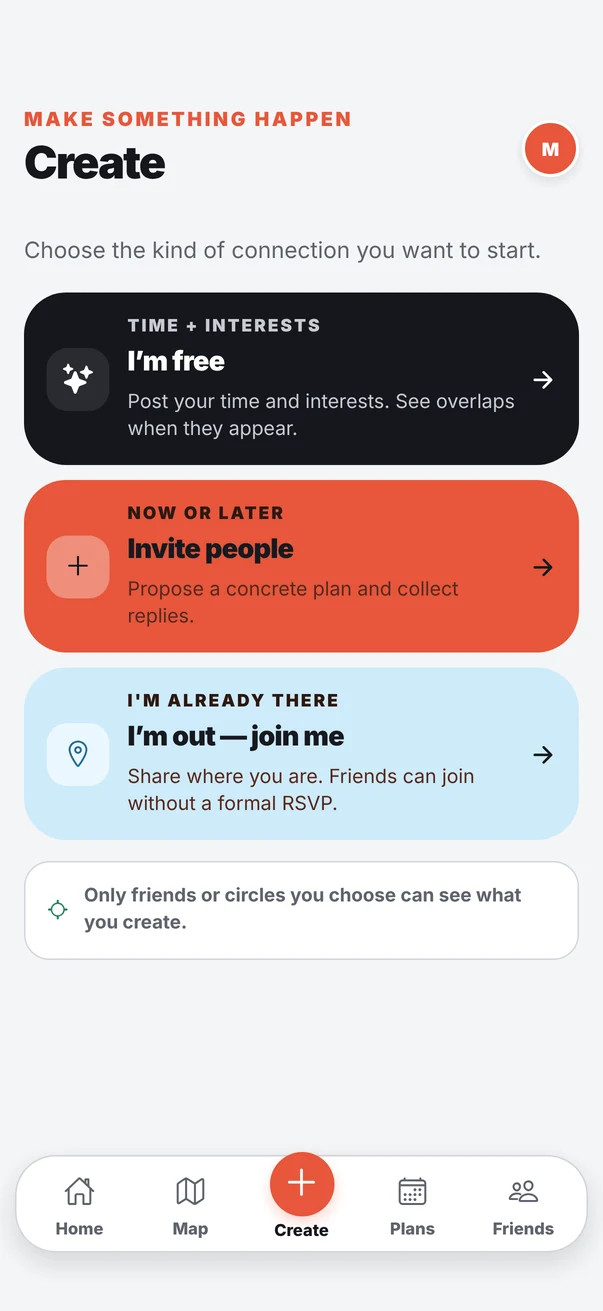
The Create screen in UpTo with three options: I'm free, Invite people, and I'm out, join me

Sound familiar?

0 messages.
0 plans.

UpTo skips the back and forth. Pick the way that fits the moment.

How it works

Three ways to get together.

Tap one to see how it works.

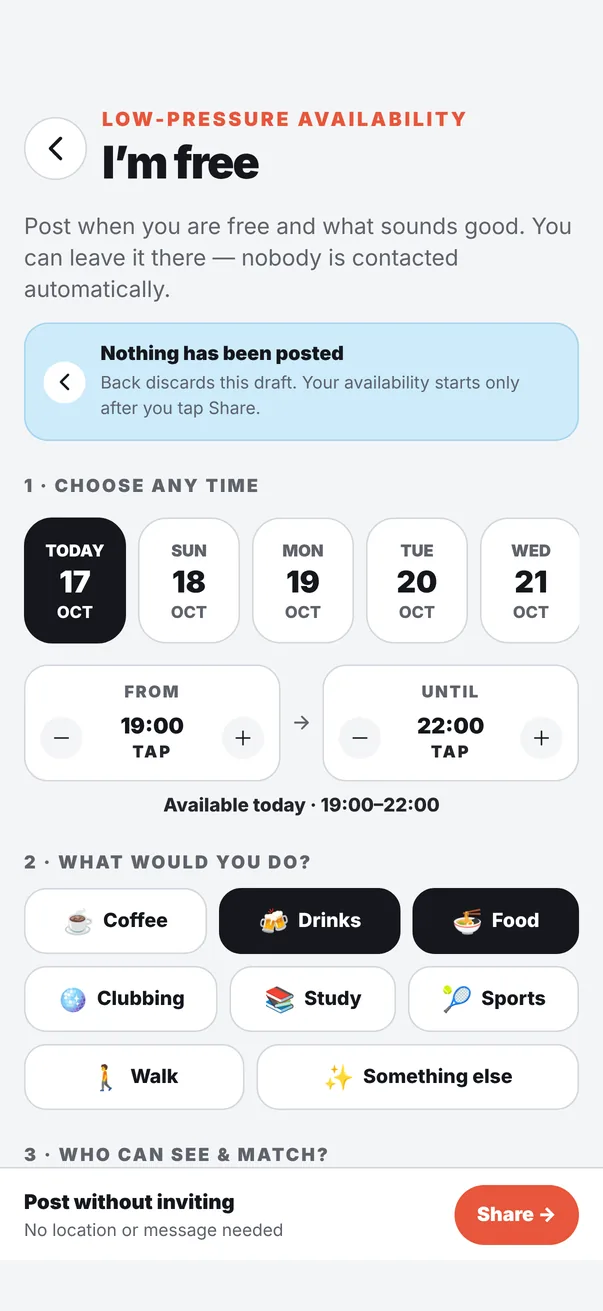
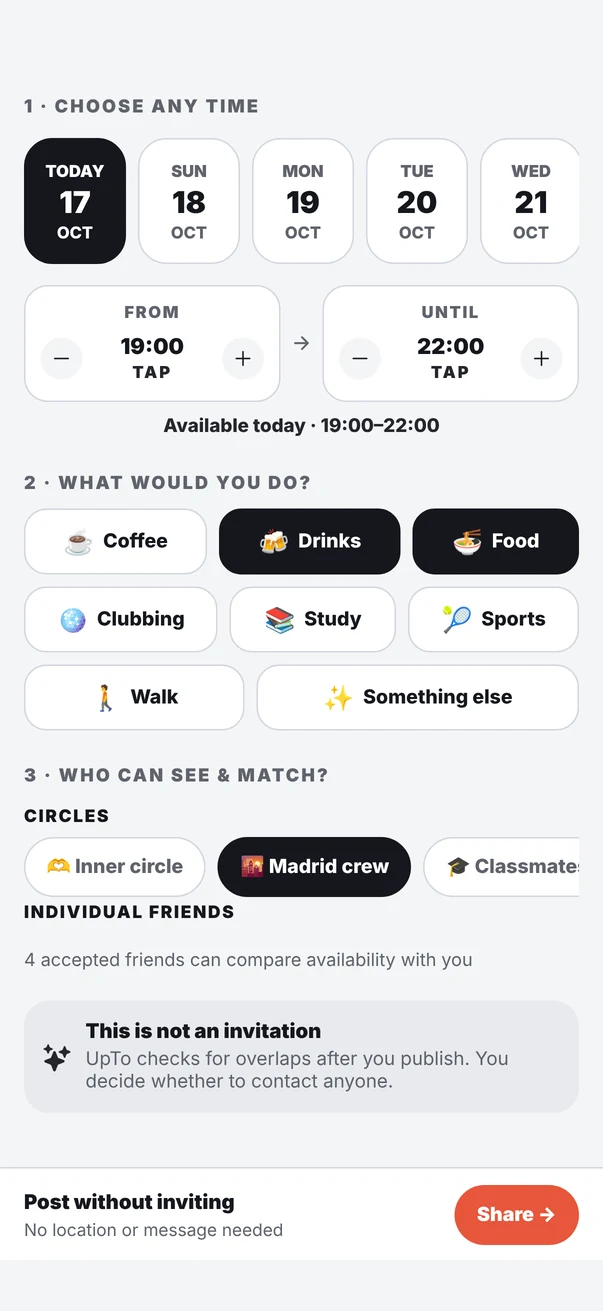
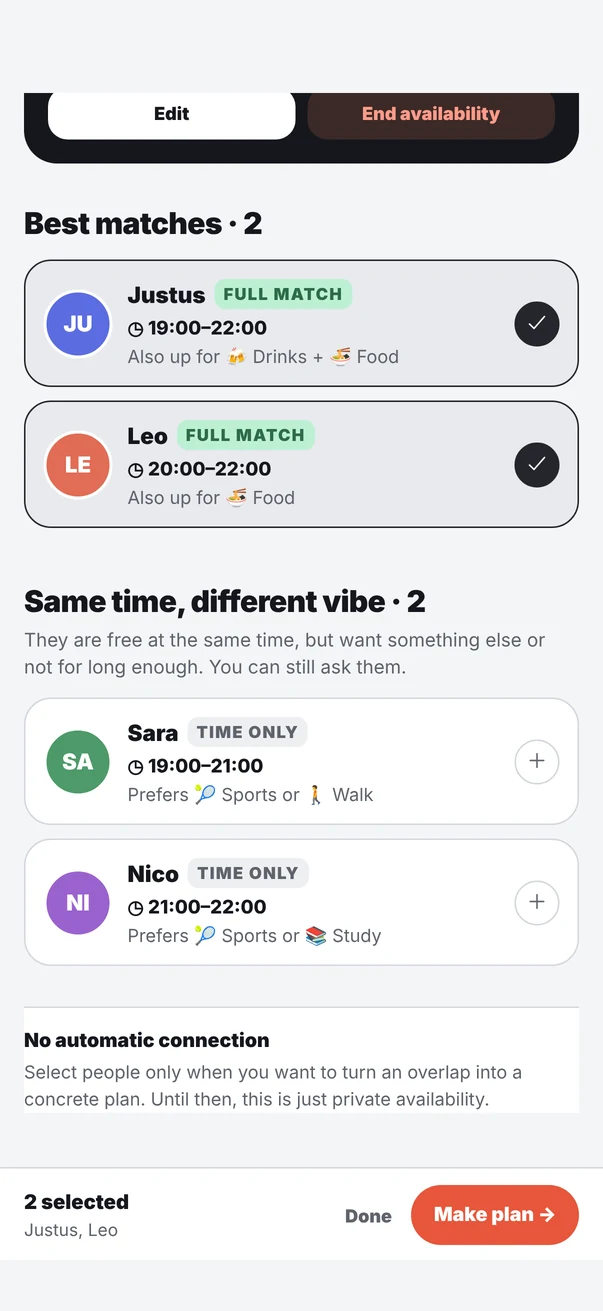
I'm free: choose a day, a time and what you want to doChoose which circles and friends can see when you're freeMatches: Justus and Leo are free at the same time, both selected to make a plan
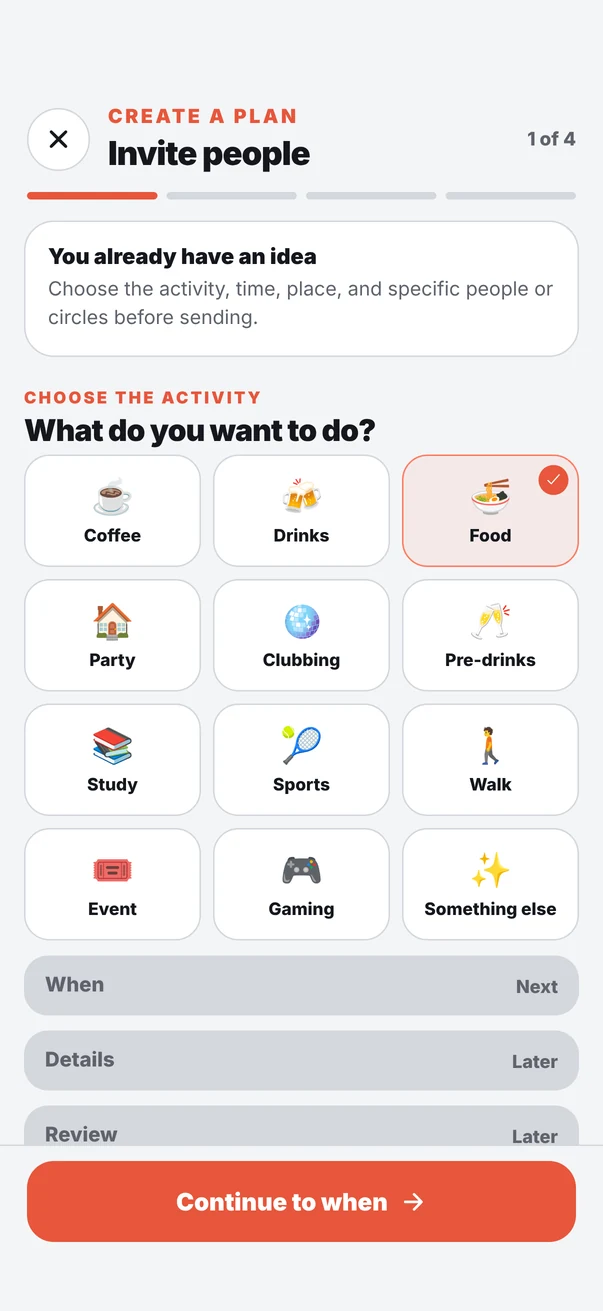
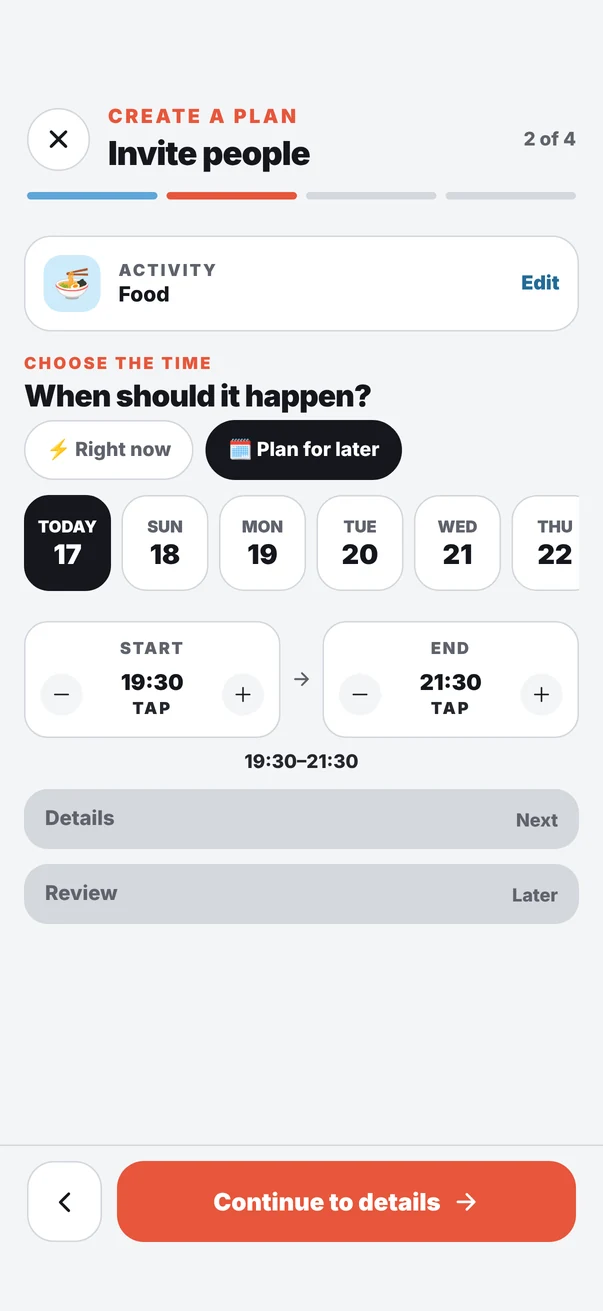
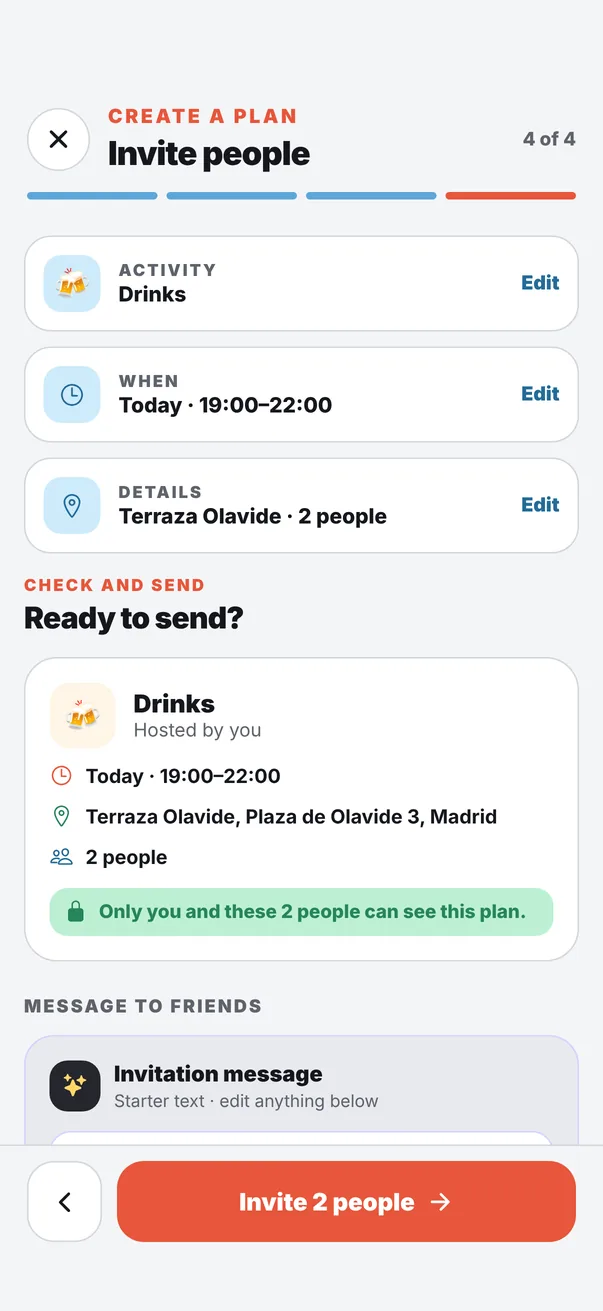
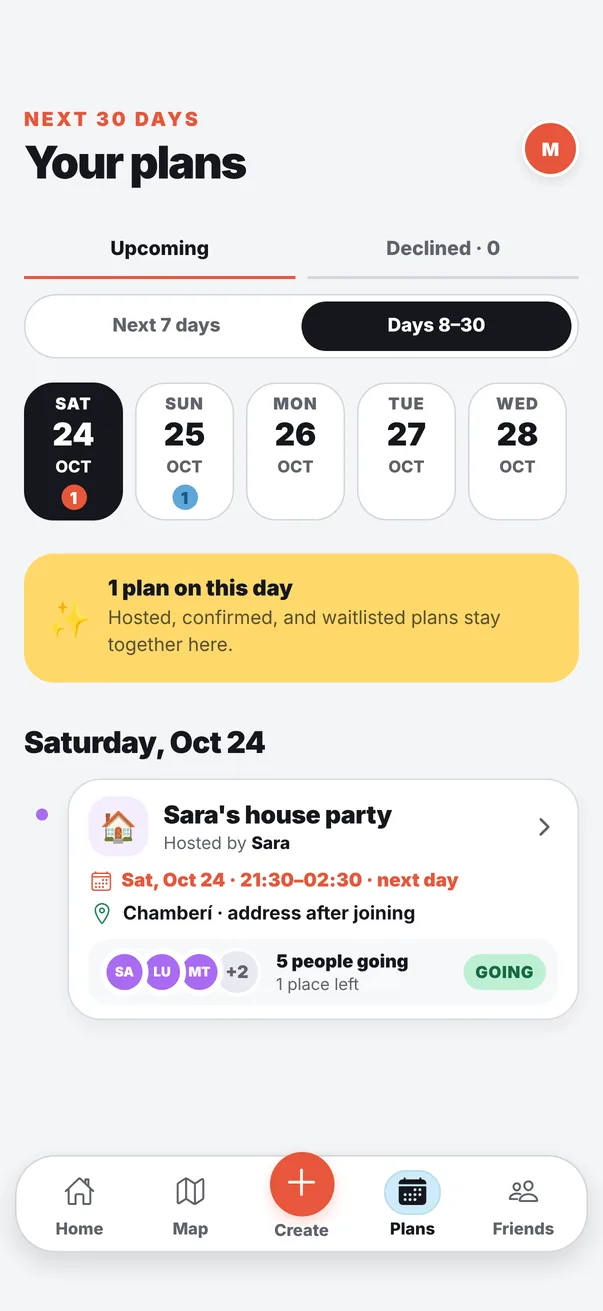
Invite people: choose the activityChoose when the plan happens, right now or laterReady to send: a plan with time, place and two invited friendsYour plans: a house party with five people going
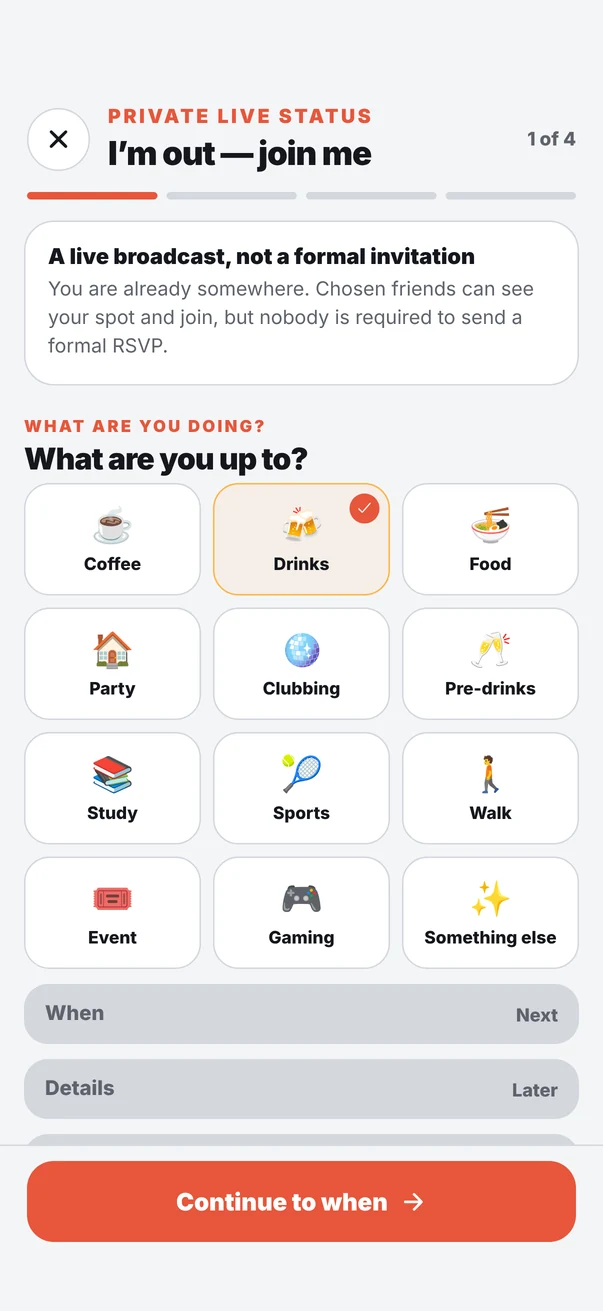
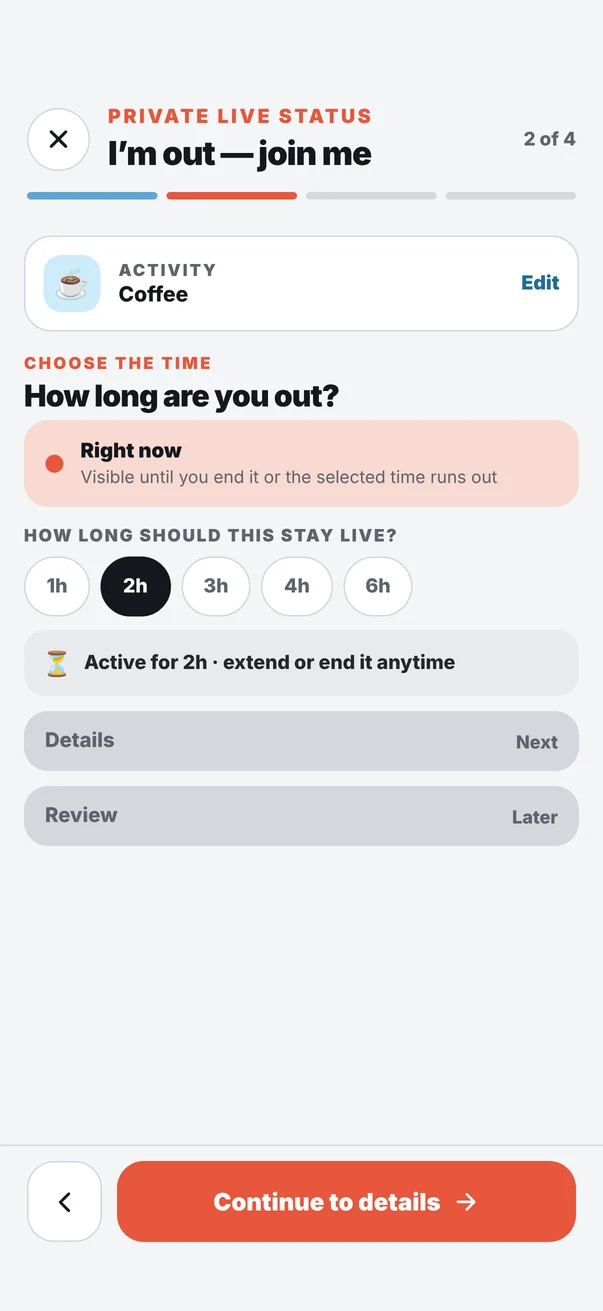
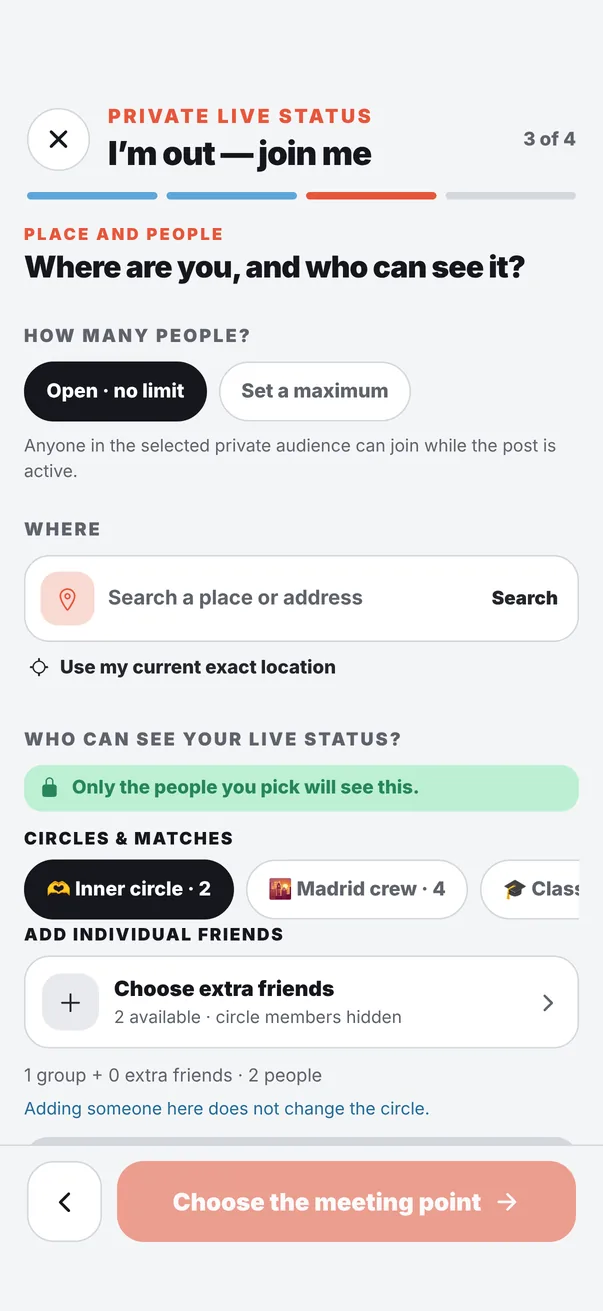
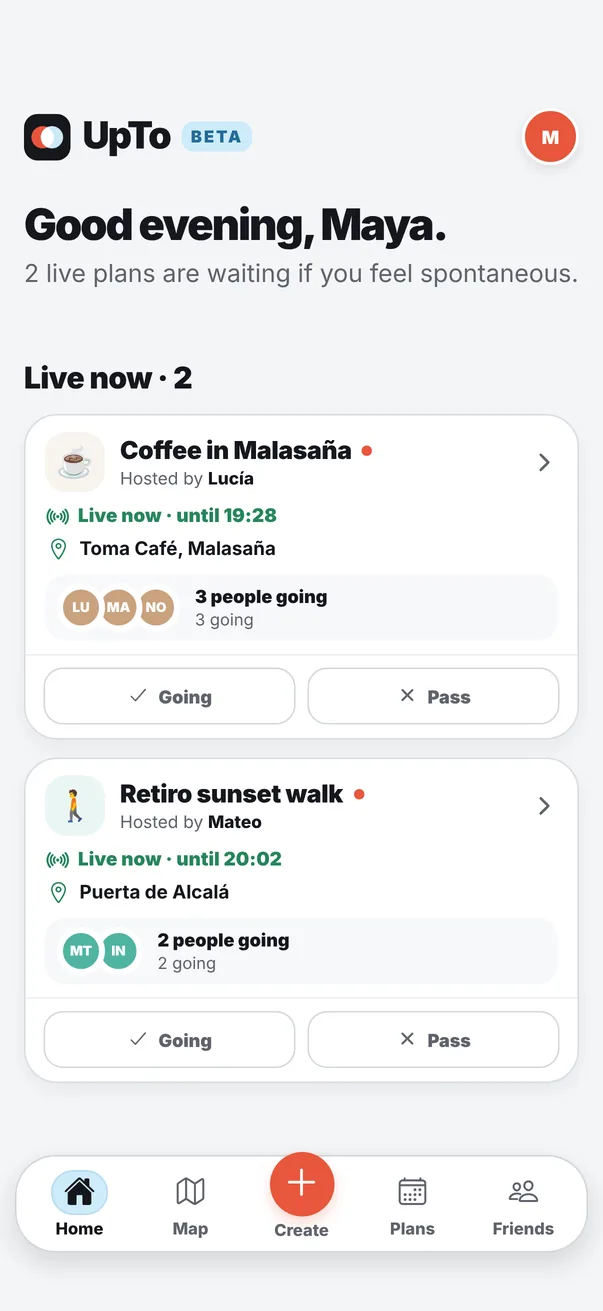
I'm out: choose what you are doingChoose how long your live status stays onWhere you are and who can see itHome: friends who are out right now

Once there's a plan

The little things that make it happen.

Going or Pass

No “maybe”. Anyone who hasn't answered shows as Awaiting.

Spots and waitlist

Padel needs 4? Set the spots. Extra people wait and move up.

A chat for the plan

Only for the people who are going. It closes when the plan is over.

Split the bill

Everyone sees what they owe and taps I've paid. Money never goes through UpTo.

Private by design

Only your friends see your plans. Your location is shared only when you turn it on, only with the friends you picked, and it stops by itself. No public map. No strangers. No ads.

Read the privacy policy →

Bring your circle.

UpTo is free on iPhone. It works best when your friends join too.

Get the free beta
  1. 1Open the link on your iPhone
  2. 2Get Apple's free TestFlight app
  3. 3Tap Accept, then Install